
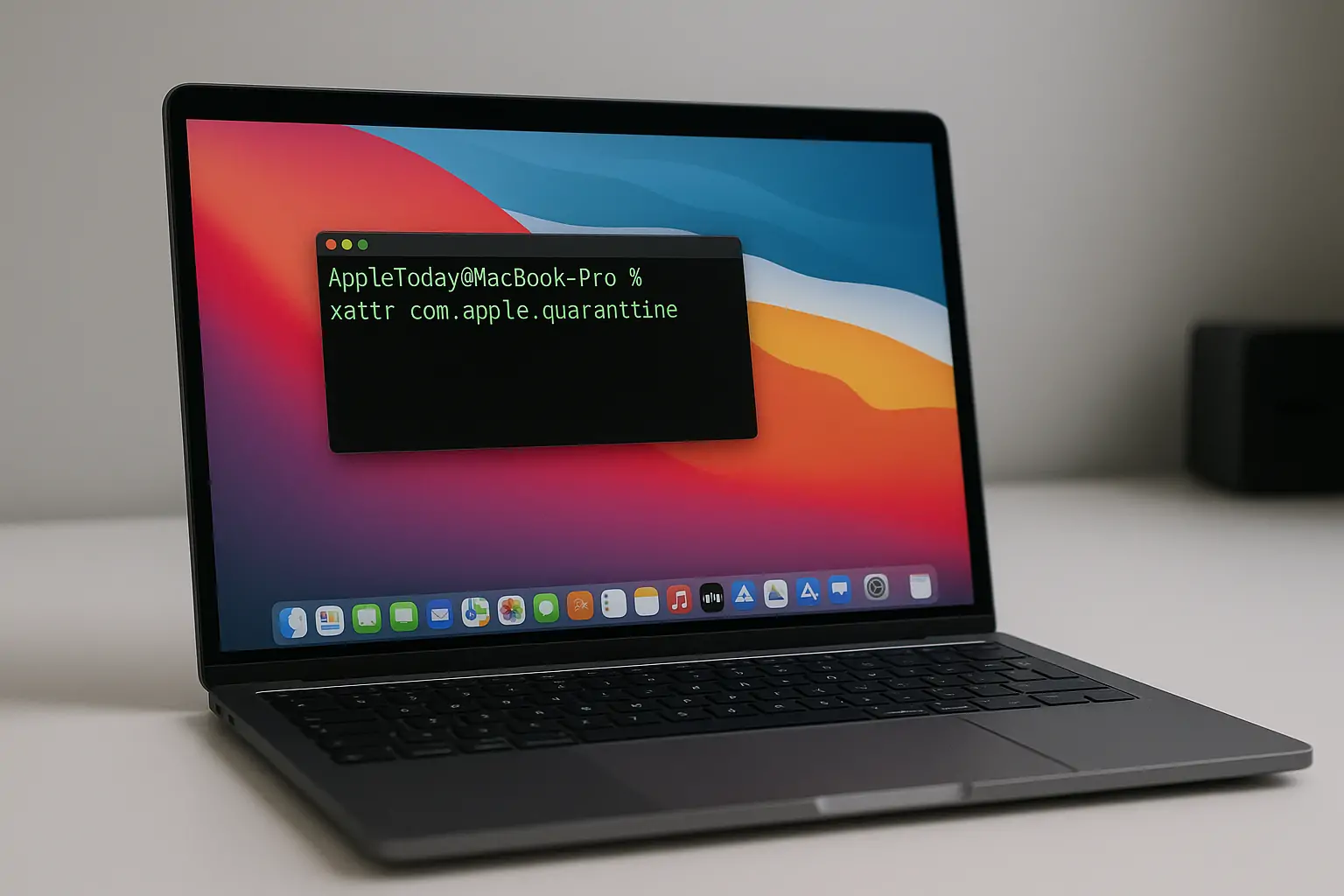
Apple macOS is widely regarded as one of the most advanced and secure operating systems available. macOS Quarantine is a core part of macOS security, designed to protect users from running potentially harmful software. With user protection in mind, macOS builds security and privacy into its foundation with features like Gatekeeper and System Integrity Protection (SIP). While Apple-signed apps and those from the App Store run smoothly under these protections, third-party or unsigned apps can trigger additional safeguards, such as being flagged and blocked from launching.
If an app won’t open on your Mac after being downloaded from the internet, it may have been blocked by macOS Quarantine. This happens when the system assigns the com.apple.quarantine extended attribute to the file—silently preventing it from opening. Unlike some blocked Mac apps that display an alert, or an “Allow” button under Privacy in System Settings, quarantined apps often offer no visible prompt, leaving users puzzled.
To remove quarantine on macOS, users typically need to inspect the file using the xattr command or similar Terminal tools. Understanding how the quarantine flag works and when it applies can help you regain control over blocked apps without compromising the built-in protections that make macOS secure.
Inspecting an App for the Quarantine Flag
To see if this attribute is blocking the app you’re trying to run, use the xattr command:
% xattr /path/to/application.app
com.apple.quarantine
If the command returns the line com.apple.quarantine, then the Flag is present. If not, it will return empty.
Clearing the com.apple.quarantine attribute
To remove the com.apple.quarantine extended attribute from the affected application, use the following command:
% sudo xattr -r -d com.apple.quarantine /path/to/application.appRunning this command strips the application of the com.apple.quarantine attribute. The -r flag processes recursively all files within the app, and -d deletes the attribute itself.
macOS Quarantine: Understand the Risks Before Removing It
macOS Quarantine is a core security feature designed to protect your system from untrusted software. Apps downloaded from the internet that aren’t signed by Apple or a verified developer may be automatically quarantined to prevent harm. These protections are part of what makes macOS one of the most secure operating systems available.
Removing the quarantine attribute can allow blocked apps to run — but it also bypasses a critical line of defense. While the commands shown here are effective, they should be used with care. Allowing unknown or unsigned apps onto your Mac can expose your system to vulnerabilities or damage. If you choose to override these safeguards, do so at your own risk and only when you fully trust the source.
